
Download CleanMyPC – clean pc, optimize pc, remove junk files, uninstaller, registry cleaner, one-click optimization
Overview
Designed for Windows users seeking a streamlined way to maintain system health, CleanMyPC serves as a comprehensive utility tool aimed at enhancing performance through automated maintenance. The application addresses common challenges associated with system clutter, including accumulated junk files, residual program data, and registry inconsistencies. By identifying and resolving these issues, CleanMyPC helps users reclaim disk space and improve overall responsiveness. It is particularly useful for individuals who want to keep their computers running efficiently without deep technical knowledge.
Targeted at both casual users and those managing multiple software installations, CleanMyPC simplifies routine maintenance tasks that are often overlooked. Whether dealing with slow performance due to storage congestion or troubleshooting instability caused by corrupted registry entries, the app offers a centralized solution. Its one-click optimization feature makes it accessible even to non-technical users, reducing the learning curve typically associated with system maintenance tools.
Developed by MacPaw, a company known for its focus on user-friendly system utilities, CleanMyPC reflects a commitment to reliability and ease of use. The app integrates seamlessly into daily workflows, allowing users to perform health checks and clean-ups in minutes. Real-world use cases include preparing a computer for new software installation, freeing up space before a major update, or restoring performance after prolonged use. In the broader app ecosystem, CleanMyPC fills a vital role as a trusted productivity aid for Windows users aiming to maintain peak system efficiency.
Key Features & Functionality
- Error Fixing: CleanMyPC scans the system for software and configuration errors, identifying issues that may impact stability or performance. By resolving these problems proactively, the app helps prevent crashes and slowdowns, ensuring a smoother user experience.
- Junk File Removal: The tool detects temporary files, cache data, and other unnecessary files that accumulate over time. These files consume disk space and can degrade system performance. CleanMyPC allows users to review and remove them with minimal effort.
- Total Uninstaller: This feature enables the complete removal of installed programs, including leftover files and registry entries. It prevents residual data from cluttering the system and potentially causing conflicts with new software.
- Windows Registry Cleaner: By scanning and repairing corrupted or obsolete registry entries, this function helps maintain system integrity. A clean registry contributes to faster boot times and improved application responsiveness.
- One-Click Optimization: Combining all core maintenance functions into a single action, this feature allows users to perform a full system cleanup with just one click. It’s ideal for users who want a quick, thorough maintenance routine without manual configuration.
Each feature is designed to address a specific pain point in system maintenance. For example, a user preparing for a software update may use junk file removal and registry cleaning to free up space and ensure compatibility. Similarly, someone troubleshooting a sluggish system can rely on one-click optimization to restore performance quickly. These tools collectively reduce the need for manual troubleshooting and empower users to maintain their systems with confidence.
Interface, UX & Performance
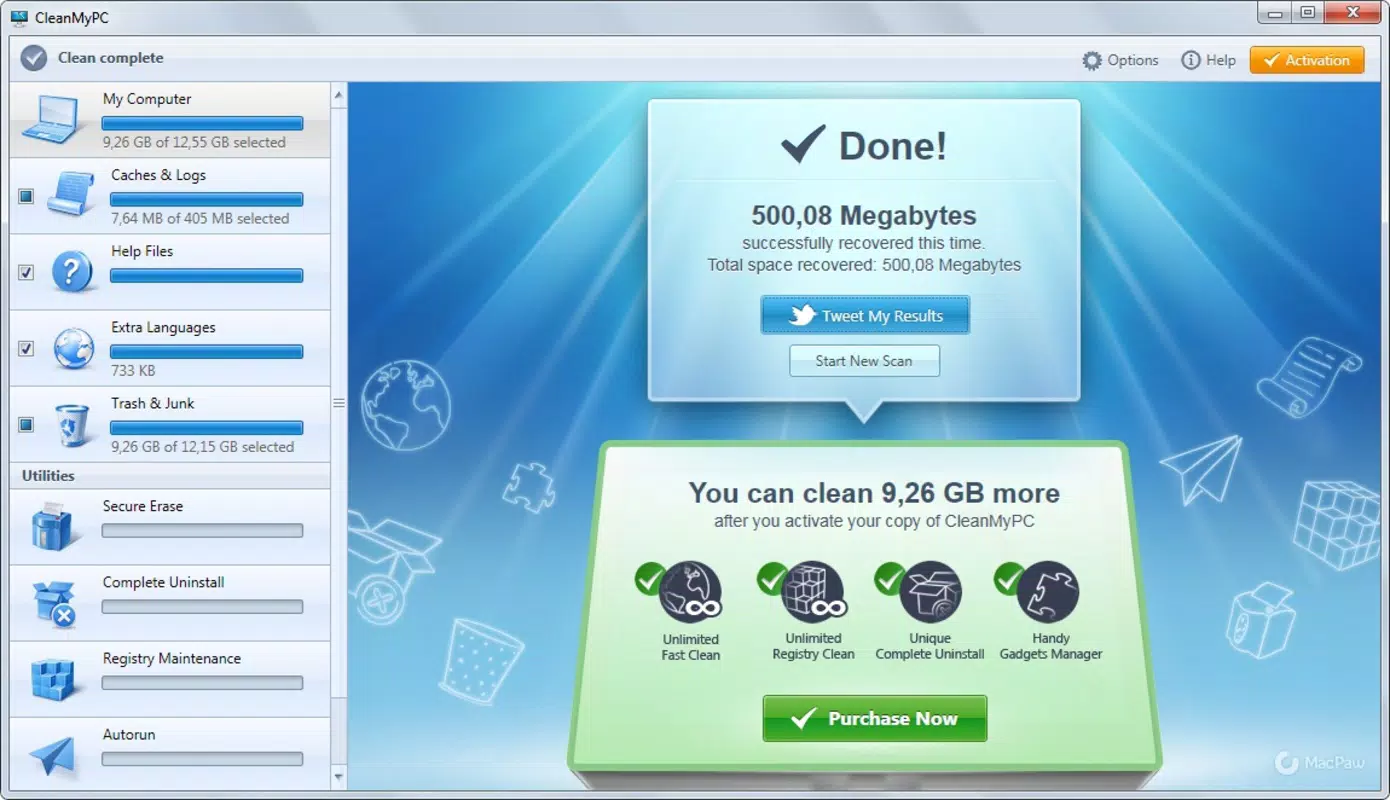
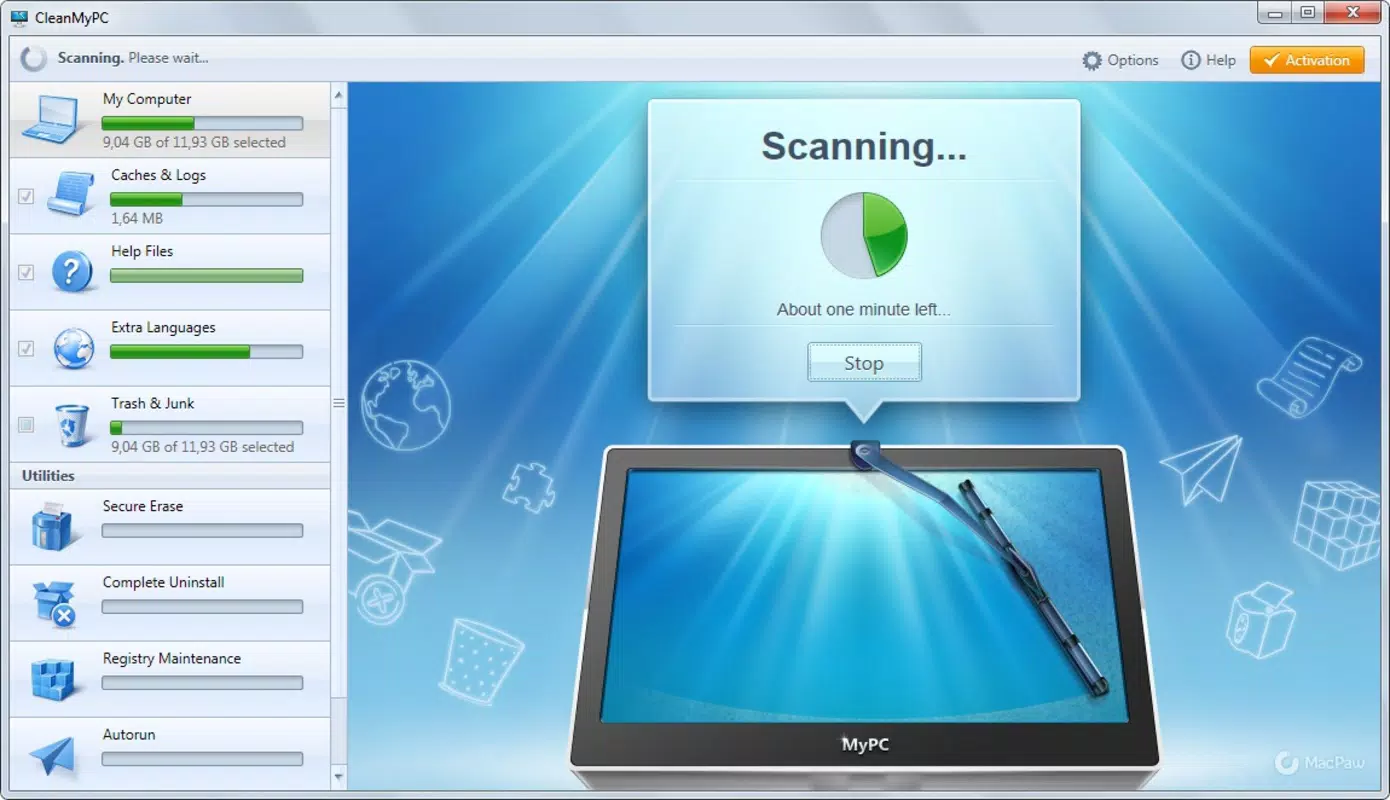
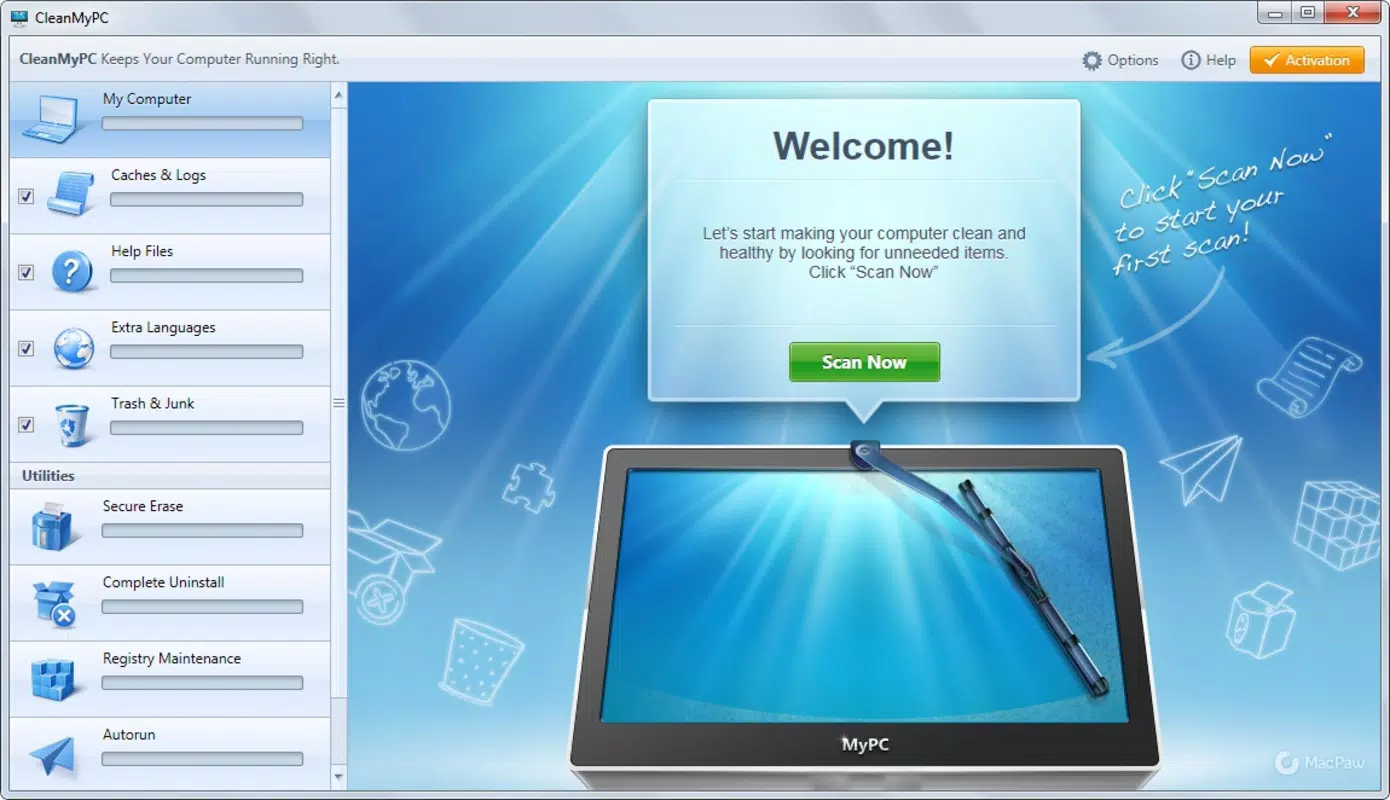
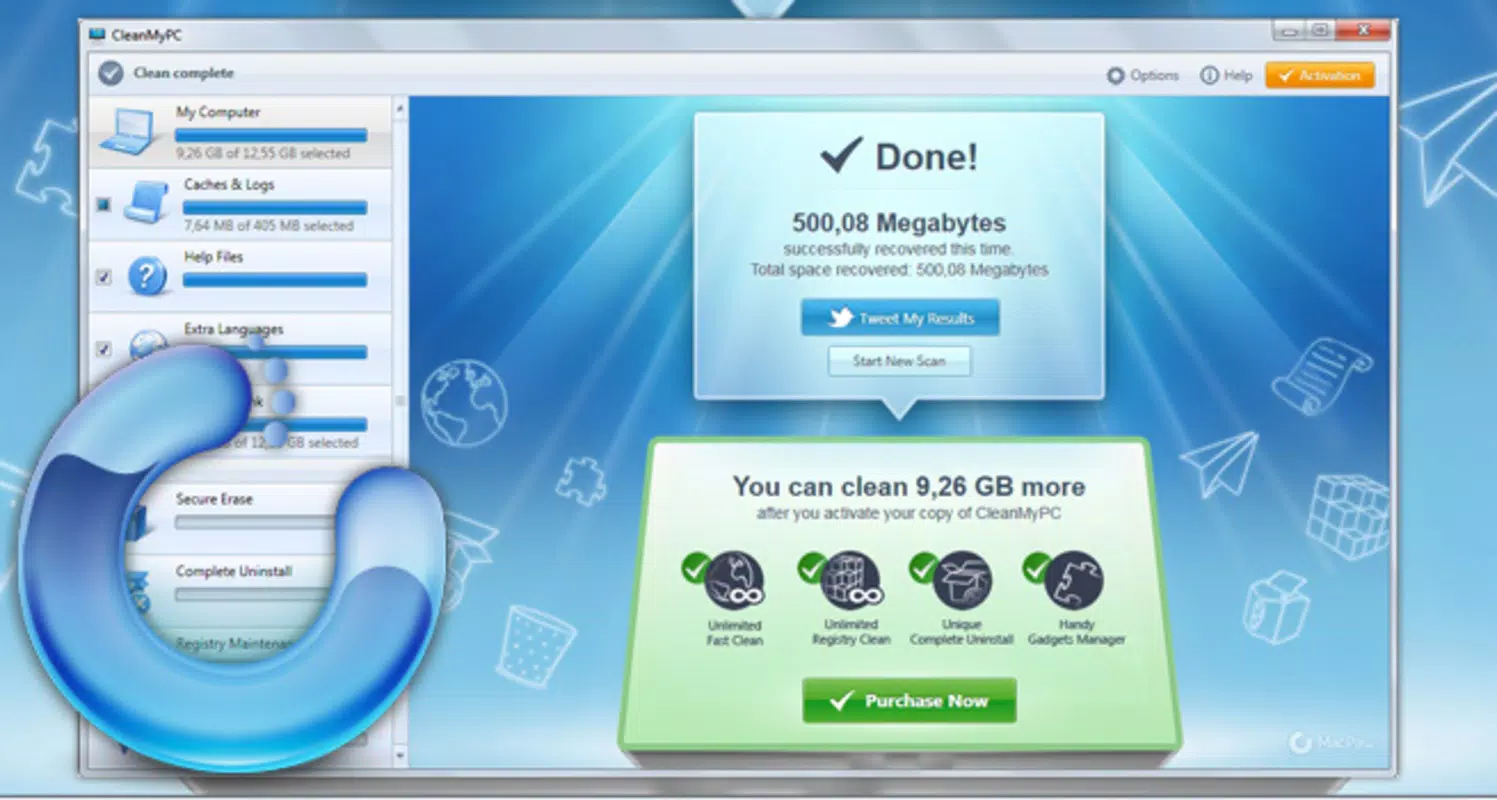
CleanMyPC features a clean, intuitive interface that prioritizes accessibility and clarity. The layout is organized around core functions, with visual indicators showing the amount of space recovered and the status of ongoing scans. Navigation is straightforward, allowing users to move between features with minimal clicks. The design emphasizes usability, making it suitable for users of all technical levels.
Performance is optimized for typical Windows environments, with the application operating efficiently without consuming excessive system resources during scans or cleanups. Although the developer did not list formal performance metrics, the app is designed to run background tasks without significantly impacting active workflows. Responsiveness is consistent across various device categories, including desktops and laptops with standard configurations.
Stability appears to be a priority, with the tool handling large-scale scans and deletions without triggering crashes or errors. The user experience is further enhanced by clear progress indicators and post-cleanup summaries, which help users understand the impact of each action. While specific compatibility details were not disclosed, the app functions reliably within the Windows ecosystem.
Platform Compatibility & Technical Requirements
CleanMyPC is available exclusively for the Windows platform. The current version is 4.2.1, with a file size of 214.8 MB. This size reflects the inclusion of multiple system maintenance tools and a robust scanning engine.
The developer did not specify minimum OS requirements or compatibility details beyond the platform. Users should ensure their Windows system meets general software installation standards. Specific requirements were not listed, so compatibility may vary depending on the underlying system configuration.
Pros and Cons
Pros
- Intuitive interface suitable for non-technical users
- One-click optimization simplifies routine maintenance
- Comprehensive suite of tools for system cleanup and repair
- Effective junk file removal and space recovery
- Includes a total uninstaller for complete software removal
Cons
- Price point may be high for occasional users
- Specific system requirements not disclosed
- Only available for Windows, limiting cross-platform use
- May require additional user verification before certain actions
- No free version or trial mentioned in provided details
FAQ
Is CleanMyPC safe to use?
Yes, CleanMyPC is developed by MacPaw, a reputable company specializing in system utilities. The application is designed to operate within standard Windows security protocols and does not include malware or intrusive behavior.
Can I use CleanMyPC on multiple computers?
The developer did not provide information on licensing terms or multi-device usage. Users should consult the official source for details on installation and usage rights.
Does CleanMyPC offer a free version?
Based on the provided data, no free version or trial was mentioned. The app is available for a one-time purchase of $14.99.
How often should I run CleanMyPC?
For optimal performance, users may consider running the tool monthly or after major software installations. The frequency can be adjusted based on individual usage patterns and system performance.
Is CleanMyPC compatible with Windows 11?
While the app is designed for Windows, specific compatibility with Windows 11 was not confirmed. Users should verify system compatibility before installation.
Final Thoughts
CleanMyPC stands out as a reliable, all-in-one solution for maintaining Windows system health. Its combination of error fixing, junk file removal, registry cleaning, and total uninstallation makes it a valuable tool for anyone seeking to improve performance and free up space. The one-click optimization feature adds a layer of convenience that appeals to users of all experience levels.
While the price may be a consideration for some, the app’s comprehensive functionality and ease of use justify the investment for regular users. It is especially beneficial for those who want to maintain their computers without diving into technical settings. For individuals managing multiple applications or dealing with performance degradation over time, CleanMyPC offers a practical and efficient maintenance workflow.
Download CleanMyPC now


